How to capture UTM parameters on form submissions
How to capture UTM tracking data on form submissions, preserve it through multi-step forms and send clean attribution fields to your CRM.
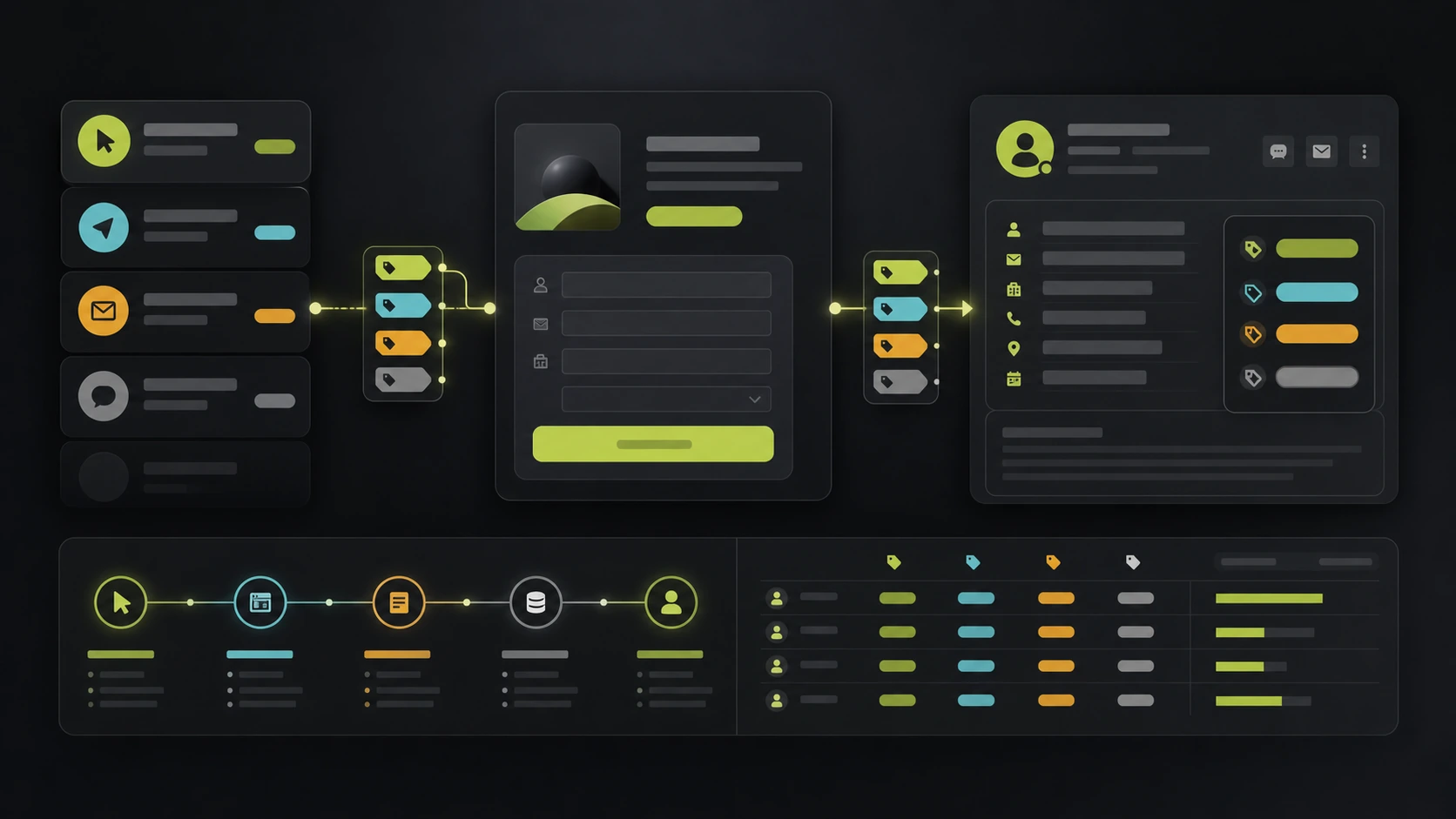
UTM tracking is only useful if the parameters survive until the form submits.
Many lead funnels lose UTMs because the visitor lands with campaign parameters, moves through several steps, accepts or rejects cookies, returns later, and submits on a URL that no longer contains the original query string.
When that happens, the CRM receives a lead without source, medium or campaign context. Marketing cannot tell which campaign worked. Sales cannot see where the conversation came from.
Capture UTMs on the first page view
Read the query string as soon as the visitor lands.
Capture:
utm_sourceutm_mediumutm_campaignutm_termutm_content
You can also capture paid-click identifiers in the same pass:
gclidgbraidwbraidfbclidmsclkid
UTMs explain campaign structure to humans. Click IDs help ad platforms and offline conversion workflows. Use both when available.
Persist values through the form
Do not rely on the URL still having UTMs at submission time. Store the values in a session-level attribution object and attach that object to the lead.
The rule:
- If the landing URL has a value, store it.
- If a later page has no value, keep the stored value.
- If a later paid click brings new campaign parameters, update the stored values.
For most lead funnels, session storage or a first-party session is enough. If you use longer attribution windows, document that behavior in your privacy notice and consent model.
Do not overwrite good data with blanks
This is the most common implementation bug.
Example:
- Visitor lands on
?utm_source=google&utm_campaign=brand. - Your script stores
googleandbrand. - Visitor moves to the next step with no query string.
- Your script runs again and writes
null.
The lead now has no attribution.
Always merge new non-empty values into the existing attribution object instead of replacing the whole object with the current URL state.
Submit UTMs as structured lead fields
Avoid sending UTMs only inside a note. Create structured fields in your CRM or lead table.
Minimum fields:
- First UTM source
- First UTM medium
- First UTM campaign
- First UTM term
- First UTM content
- Latest UTM source
- Latest UTM campaign
- Landing page
- Conversion page
First-touch fields help acquisition reporting. Latest-touch fields help campaign optimization. Landing and conversion page fields help debug routing.
Hidden fields can work, but they are fragile
Hidden fields are common in embedded forms. They work when:
- The form loads on the first landing page.
- The script runs before submission.
- The form does not reload or iframe away the values.
- The visitor submits in the same session.
They fail when the journey has multiple pages, conditional steps, embedded widgets, redirects or return visits.
For a productized funnel, it is safer to store attribution in application state or server-side session data, then include it in the lead submission payload.
Respect consent and privacy
UTM parameters are campaign metadata, but the full lead record can become personal data once attached to a person.
Keep the model clear:
- Store attribution only for legitimate reporting needs.
- Explain campaign attribution in the privacy notice.
- Respect consent before firing marketing scripts.
- Treat hashed contact data sent to ad platforms as personal data in practice.
- Keep retention reasonable.
Consent rules differ by region and setup, so review the implementation with your legal/privacy owner.
QA checklist
Before trusting your reporting:
- Open the form with test UTMs.
- Move through every step.
- Submit a test lead.
- Confirm UTMs are stored on the lead record.
- Confirm the CRM or webhook receives the same values.
- Refresh mid-flow and confirm values survive.
- Submit with and without marketing consent and verify scripts behave correctly.
How this relates to gclid and fbclid
UTMs are not enough for paid platforms. If you run Google Ads or Meta Ads, also capture gclid, gbraid, wbraid and fbclid.
Read the full paid-click guide: how to capture gclid and fbclid in lead forms.
How Fluenx helps
Fluenx captures UTM parameters and paid-click IDs automatically, keeps them through the funnel, stores them with every lead and includes them in webhook payloads.
That means your CRM receives the lead and the campaign context together.