How to lower CPL in Google Ads when lead quality is poor
How to lower Google Ads cost per lead by improving search intent, landing page match, form conversion, gclid capture and lead qualification.
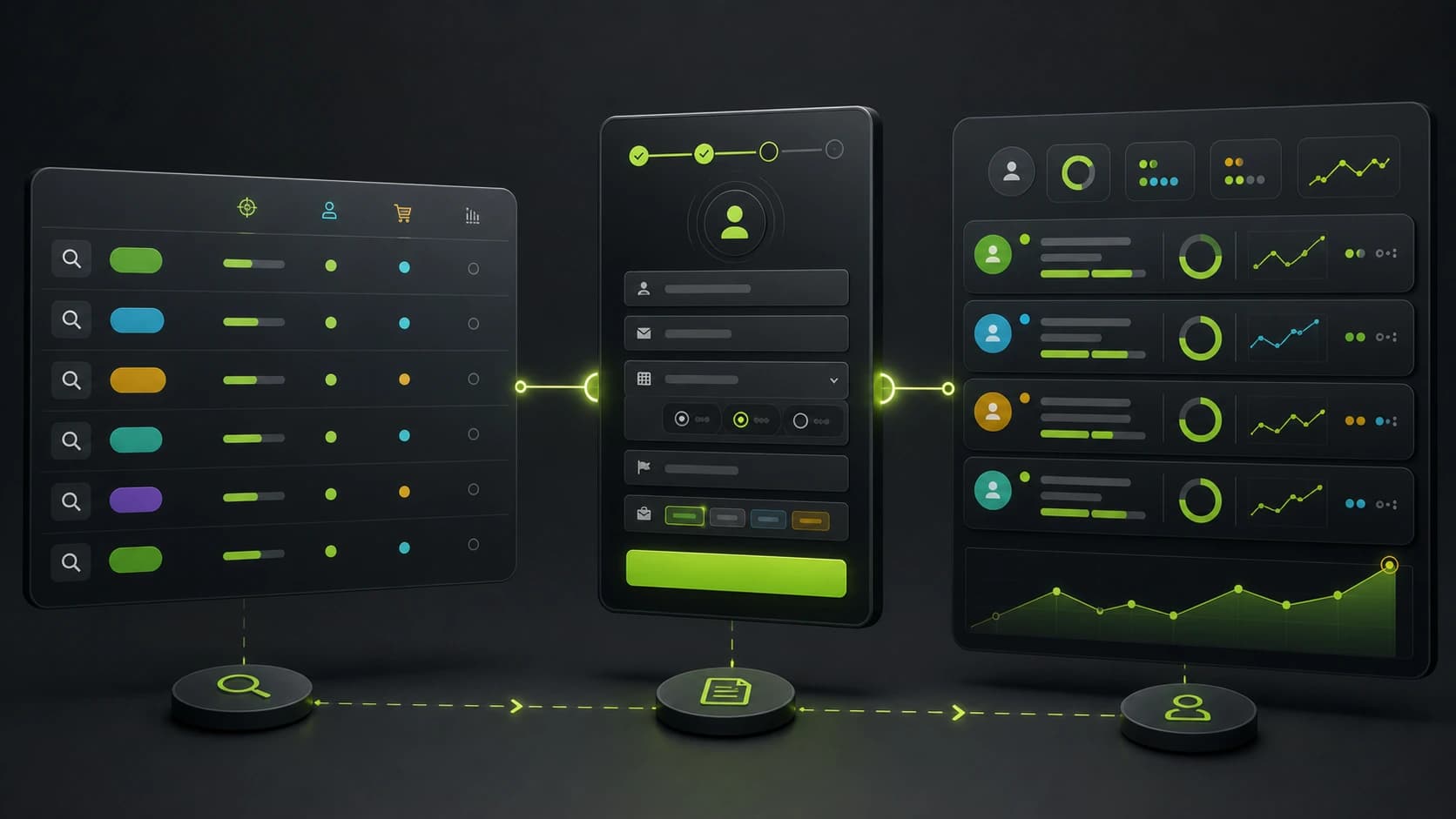
If Google Ads is producing leads but the sales team says they are weak, do not start by lowering bids. A lower bid can reduce volume without fixing the real problem.
Google Ads CPL usually improves when three things happen together:
- Fewer irrelevant clicks enter the funnel.
- More qualified visitors complete the form.
- Google receives cleaner conversion data from the lead journey.
That is the difference between lowering cost per lead and lowering cost per qualified lead.
Check search intent before touching the landing page
Open the search terms report and mark every query as one of these:
- Buyer intent
- Research intent
- Job or career intent
- Free or DIY intent
- Competitor or comparison intent
- Wrong geography
- Wrong service
Then add negative keywords for patterns that repeatedly waste spend. If you sell a done-for-you service, "template", "free", "jobs" and "how to do it myself" often need special attention. If you serve a specific region, location leakage can quietly inflate CPL.
Do not remove every informational query automatically. Some research queries can convert in high-consideration markets. The point is to stop paying for terms that have no path to revenue.
Match the ad promise to the form
Google Ads quality is not only about keywords. The visitor clicked because the ad promised a specific outcome. If the landing page or form shifts to a generic pitch, conversion rate drops and CPL rises.
Check these elements:
- Does the landing headline repeat the specific promise from the ad?
- Does the first form question continue that promise?
- Does the form ask for information the visitor expects to provide?
- Is the next step clear before contact details are requested?
- Is the page fast and readable on mobile?
The first form screen matters. A cold visitor should not land on a wall of fields. Start with one easy question that confirms intent.
Use qualification without crushing conversion rate
When lead quality is poor, many teams make the form much longer. That can filter out bad leads, but it can also block good leads.
A better Google Ads lead form flow is:
- Intent question: what are you looking for?
- Fit question: which service, size or situation applies?
- Urgency question: when do you need this?
- Budget or readiness question.
- Contact step.
- Conditional ending.
Use ranges instead of open text when possible. Ranges are faster on mobile and easier to report in the CRM.
For the complete routing model, read how to qualify leads before they reach your CRM.
Capture gclid before it disappears
Google Ads auto-tagging can append gclid to the landing URL. That identifier is valuable only if you keep it until the lead submits.
The safe pattern:
- Read
gclid,gbraid,wbraidand UTMs on the first page view. - Persist them for the session.
- Include them in the final lead payload.
- Store them in CRM fields.
- Use them for reporting or offline conversion workflows.
If your form redirects, embeds another tool or reloads between steps, do not assume the query string will survive. Capture it intentionally.
Implementation guide: how to capture gclid and fbclid in lead forms.
Improve Google Ads lead quality with better conversion data
If Google optimizes for every raw form submission, it may find more people who submit forms, not more people who become qualified opportunities.
Improve the feedback loop by tracking:
- Form submit.
- Qualified lead.
- Booked call.
- Showed call.
- Closed customer.
Google's enhanced conversions for leads workflow uses hashed first-party customer data from your form and later offline imports to improve conversion measurement. Even if you do not implement the full stack immediately, design your form so the necessary data is stored cleanly: email, phone, gclid or privacy-preserving Google click IDs, landing page and conversion page.
What to optimize first
Use this order:
- Remove obviously irrelevant search terms.
- Align ad copy, landing page and first form question.
- Convert long forms into multi-step flows.
- Add one or two qualification questions.
- Capture
gclid,gbraid,wbraidand UTMs. - Measure cost per qualified lead, not only raw CPL.
That order prevents a common mistake: improving form conversion while still buying bad clicks.
Example: service business lead flow
A simple Google Ads funnel for a service company:
- "What do you need help with?"
- "Where is the project located?"
- "When do you want to start?"
- "Which budget range fits this project?"
- "Where should we send the estimate?"
Qualified leads go to a fast follow-up path. Low-budget or out-of-area leads get a different ending and can be excluded from sales priority.
How Fluenx helps
Fluenx captures Google Ads click IDs and UTMs automatically, stores them with every lead, and lets you route leads by budget, timeline or fit before they reach your CRM.
That gives you the data to lower the CPL that matters: cost per qualified lead.