How to set up server-side tracking for lead generation
How server-side tracking works for lead generation forms, what events to send, how to preserve attribution and when to use Meta CAPI or offline conversion imports.
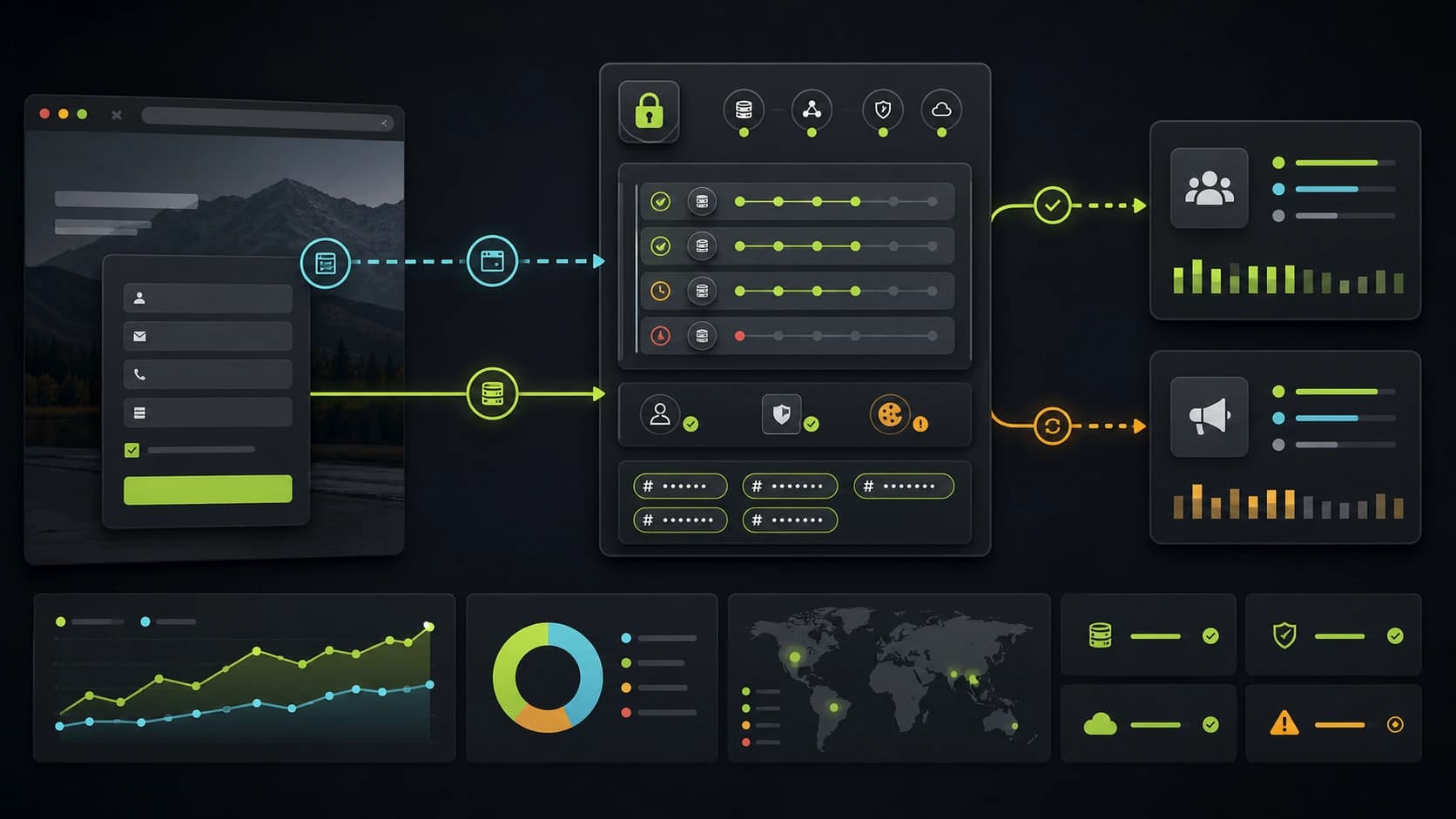
Server-side tracking for leads means your backend sends conversion events to ad platforms when a lead submits, qualifies, books or becomes a customer.
It does not replace good forms. It does not magically fix bad traffic. It gives platforms and reporting systems a more reliable path for conversion data than browser scripts alone.
For lead generation, that matters because the valuable action often happens after the first form fill.
What server-side tracking solves
Browser tracking can be affected by:
- Ad blockers.
- Browser privacy controls.
- Script loading failures.
- Cookie restrictions.
- Slow mobile connections.
- Thank-you page redirects that never load.
Server-side events are sent from your backend after the lead action occurs. That makes the event less dependent on the visitor's browser finishing every script.
What server-side tracking does not solve
It does not create consent where you do not have it. It does not make personal data anonymous just because it is hashed. It does not turn bad leads into good leads.
You still need:
- A clear privacy notice.
- Consent-aware marketing events.
- Deduplication between browser and server events.
- Clean attribution capture.
- Useful qualification data.
Server-side tracking is plumbing. The funnel still needs to qualify the right people.
Decide which lead events matter
Most teams start with one event:
- Lead submitted.
Better lead-gen systems also track:
- Qualified lead.
- Booked call.
- Showed call.
- Quote requested.
- Customer or won deal.
The further downstream the event, the more valuable it is for optimization. The tradeoff is volume. Ad platforms need enough event data to learn, so do not remove the basic lead event before you have enough qualified lead volume.
Preserve attribution before the event fires
Server-side tracking is only useful if the server has the right context.
Capture and store:
- UTMs.
gclid,gbraid,wbraid.fbclid.- Landing page.
- Conversion page.
- Consent state.
- User agent and IP where legally and technically appropriate.
- Form answers and qualification status.
If this data is missing from the lead record, the server event will be sparse.
Implementation detail: how to capture UTM parameters on form submissions and how to capture gclid and fbclid in lead forms.
Deduplicate browser and server events
If you fire a browser event and a server event for the same form submission, both systems need to know they describe the same event.
For Meta, that means sharing the same event ID between the Pixel event and the Conversions API event. Generate one ID for the form submission, send it to the browser event, include it in the API payload, then forward it server-side.
If the IDs differ, you risk double-counting.
Read the detailed guide: EventId deduplication between Pixel and Conversions API.
Meta CAPI for lead generation
For Meta Ads, server-side lead tracking usually means sending a Lead event through the Conversions API.
A practical setup includes:
event_name:Lead.event_time.event_id.action_source:website.event_source_url.- Hashed user data when consent allows.
fbpandfbcwhen available.- Custom data such as funnel name or qualification status.
See the full walkthrough: how to set up Meta CAPI for lead generation forms.
Google Ads and offline lead quality
For Google Ads, the lead journey often uses a mix of website conversion tracking, gclid capture and offline conversion imports. Google's enhanced conversions for leads workflow uses hashed first-party lead data and offline conversion data to improve measurement.
The practical form requirements are:
- Capture Google click identifiers on landing.
- Store email and phone cleanly when provided.
- Keep consent state attached.
- Store qualification and sales outcome.
- Send offline outcomes only when policy and consent requirements are met.
This lets you move beyond "form submitted" toward "qualified lead" or "customer" reporting.
Basic implementation flow
- Visitor lands from an ad.
- Funnel captures UTMs and click IDs.
- Visitor submits the form.
- Client generates a stable submission/event ID.
- Browser event fires when allowed.
- Server stores the lead and attribution.
- Server sends the platform event with the same event ID.
- CRM updates the lead quality later.
- Qualified or customer events are imported when available.
Keep the event sending idempotent. If the browser retries the form submission, your server should not send duplicate conversion events.
How Fluenx helps
Fluenx captures attribution, stores lead answers, supports conditional qualification and sends server-side Meta CAPI Lead events when configured and consent allows.
That gives paid campaigns a cleaner signal without requiring custom tag-manager plumbing for every funnel.